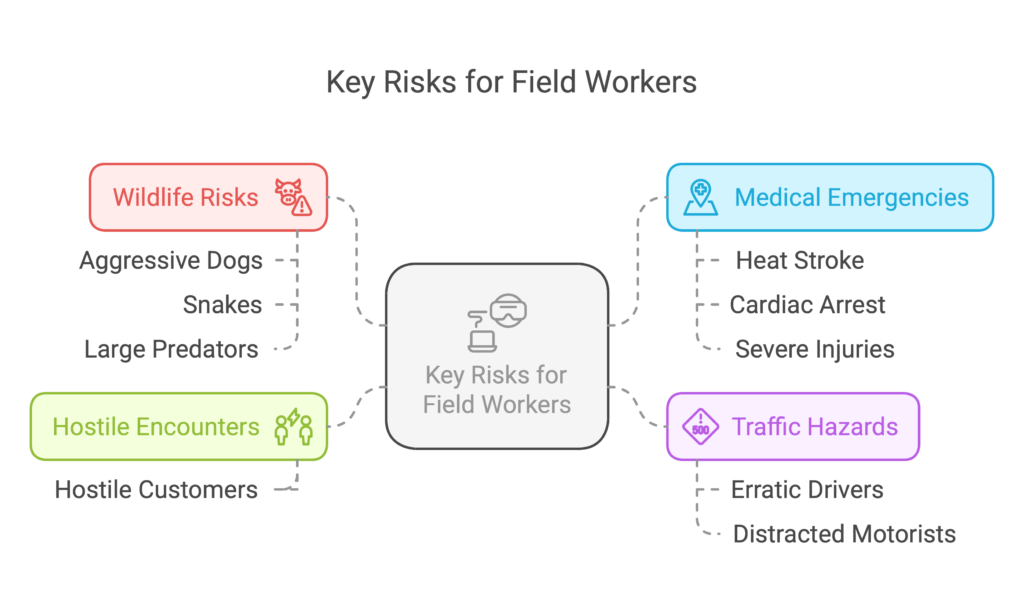
Every utility with isolated field workers has a welfare check protocol. Call in every two hours. Radio at scheduled intervals. Check in at shift start and end. And every utility knows this protocol breaks down exactly when it matters most.
Research on lone worker risk consistently finds that workers operating in isolation face roughly 64 percent higher accident risk than workers with on-site colleagues. Isolation does not create new hazards. It amplifies the ones that are already there, by removing the possibility of immediate help. OSHA does not have a lone-worker-specific standard, but the General Duty Clause covers the exposure, and citations for inadequate monitoring of isolated workers have been issued under it.
Workers miss check-ins when focused on a task. Supervisors miss callbacks when managing something else. The gap between what the protocol says should happen and what is actually happening in the field is widest precisely when a worker is in trouble. That is a structural problem, not a discipline problem.
Isolation does not create new hazards. It amplifies the ones that are already there.
What 'Isolated' Actually Means in Utility Field Work
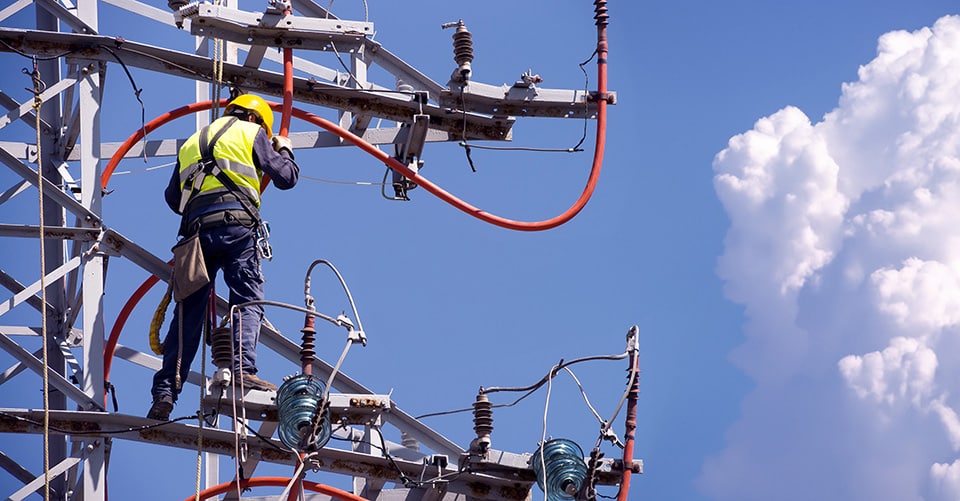
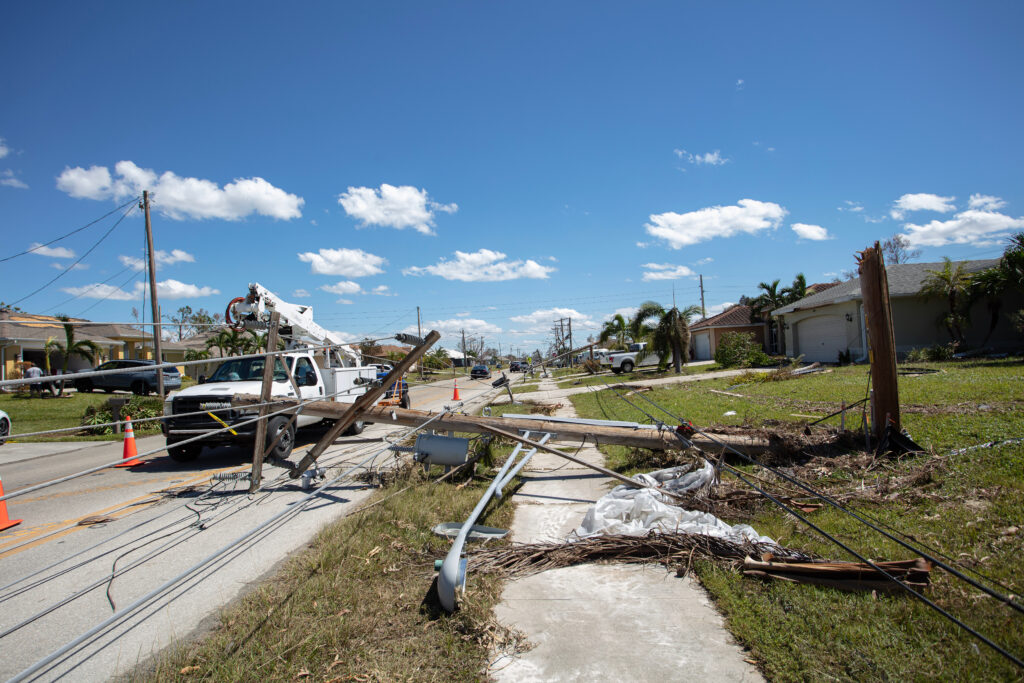
Isolation in utility work takes many forms. The meter technician working a rural route with no other crews nearby. The transmission line inspector walking a right-of-way corridor miles from any road access. The substation maintenance tech on a night shift in a facility that is technically staffed but practically unsupervised. The mutual aid crew in an area where cell service is intermittent and the nearest supervisor is 45 minutes away.
In each of these situations, the worker's ability to call for help depends on several things going right at the same time: they are conscious and able to make a call, cell service is available, and someone who can respond is reachable. When one of those conditions fails, and in utility field environments they fail regularly, the scheduled welfare check is the only remaining safeguard.
A scheduled welfare check that was supposed to happen 90 minutes ago, from a worker who has been incapacitated since then, is not protection. It is documentation of how long the response was delayed.
What Automated Lone Worker Protection Actually Provides
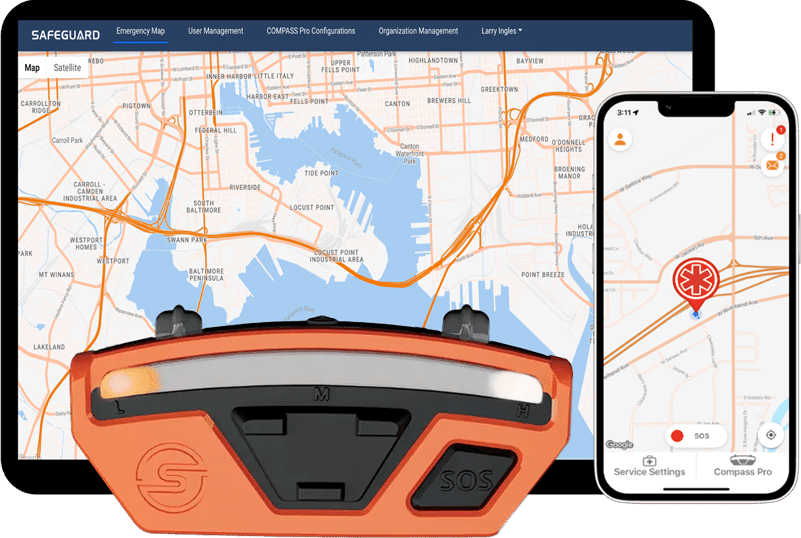
Automated lone worker protection is a continuous monitoring layer that identifies a problem when the worker cannot. It is not a check-in system. Here is what it covers on a Compass Pro™ device paired with Navigator®:
- Impact detectionautomatically identifies concussion-level, downward impacts consistent with a worker being struck or knocked down.
- Fall detectionautomatically identifies falls of six feet or more.
- Arc flash detectionrecognizes an arc flash event and triggers the emergency response workflow.
- No-movement escalationif a worker does not move for 60 seconds after a detected event, the alert urgency escalates automatically.
- SOSa deliberate three-second button hold opens an emergency chat with responders, with the worker's location shared.
- Connection-lost monitoringif a worker's device drops offline for more than three minutes, Navigator flags it with their last known location.
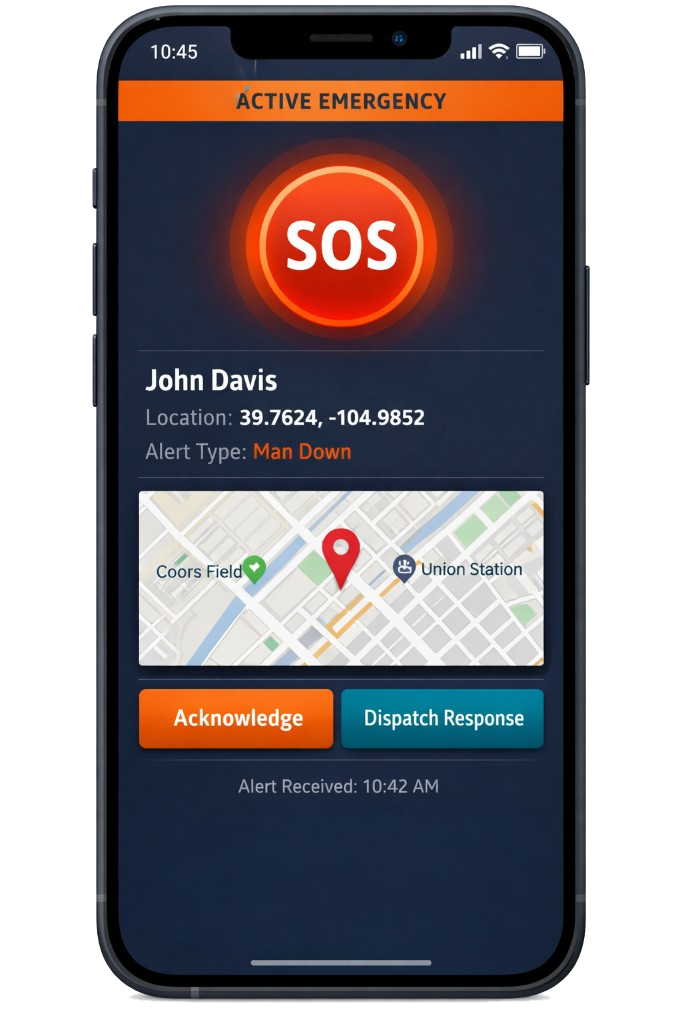
The system does not wait for the worker to initiate contact. It identifies the condition that would prevent them from doing so and alerts the right people automatically. That is a fundamentally different category of protection than a scheduled call.
Why Passive Operation Decides Whether the Program Succeeds
If you manage field operations, the right question to ask before deploying any wearable technology is whether it will slow crews down. The honest answer depends entirely on how the device works.
Devices that require manual check-in steps, interrupt work at inconvenient intervals, or generate frequent false alerts will slow crews down. Workers will find ways around them. The technology becomes compliance theater rather than actual protection.
Compass Core™ and Compass Pro are built to operate passively. They monitor continuously without requiring worker interaction, and impact, fall, and arc flash events trigger the emergency workflow automatically. The only moment a worker needs to engage with the device directly is when they are in trouble and can act: a three-second hold on the SOS button. That is the only behavior change a lone worker program should require of the crews running it.
The Crew Lead Perspective: Built for the Worker, Not Just the Audit
If you are a crew lead or field technician, here is what this technology does and does not do.
It is not surveillance. It does not track how long you spend on a task or whether you took a break. The data it collects, including location, motion status, and alert events, is used exclusively for safety response. Your supervisor sees your location when something goes wrong or when resources need to be deployed, not to measure your productivity.
It is also not another device to manage. The Compass Pro mounts on your helmet brim, runs a full shift on a single charge, and does not require configuration changes during the workday. It does one job: make sure that if something happens to you when you cannot call for help, someone knows where you are and what happened.
What a Delayed Response to a Lone Worker Incident Costs
The procurement conversation usually starts with the price of the technology. The real comparison is what a delayed response to a field worker incapacitation costs.
Direct costs include emergency response, medical treatment, workers compensation, OSHA fines, and litigation. Indirect costs include lost productivity during investigation, program changes required by regulators, leadership time spent on incident response, and the safety culture impact on the rest of the workforce. Industry research on total incident cost consistently shows indirect costs of a serious field incident run several times the direct costs.
Connected lone worker technology that collapses discovery from a 90-minute worst case to minutes changes outcomes medically, legally, and organizationally. At any reasonable annual per-worker cost, that is a comparison the technology wins.
Building the Program Around the Technology
The technology works. The program design decides whether it delivers value. Three elements separate a connected lone worker program that functions from one that produces compliance documentation while workers work around it:
- Clear response protocols covering who receives each alert, who initiates the welfare check, and what the escalation path looks like if no response within a defined window. Navigator responder groups are defined once, at the group or company level, so alerts reach the right team automatically.
- Device configuration tuned to your operation, not default settings. Compass Pro Configurations in the Navigator Console control which settings workers can select and gate features like fall detection, so the field experience matches the program design.
- Worker training that explains what the device does, what the data is used for, and what happens when an alert fires. Crews that understand the system trust it.
The Navigator® platform gives supervisors real-time visibility into lone worker status and manages the alert-to-response workflow in a structured way. The technology closes the gap. The program design is what keeps it closed.
What Procurement Asks Before Approving a Lone Worker Program
A standard shift, including continuous monitoring, GPS, and intermittent alerts. Devices are charged at the end of shift and ready for the next deployment. For 24-hour mutual aid operations or extended-shift scenarios, ask your Safeguard representative about battery management workflows used by utilities running around-the-clock storm response.
No. The no-movement condition is an escalation, not a standalone motion monitor. It escalates alert urgency when a worker has not moved for 60 seconds after a detected event, such as an impact or fall. A worker standing still to write notes or plan a job does not trigger anything. That design keeps alert volume low, so when an escalation reaches a responder, it is worth acting on.
Two layers. The device's hazard detection runs on the device itself, so voltage and current alerts keep working without a network, and the worker can read their own connection status: a green flash every two seconds means the device is connected and the phone has network. On the supervisor side, Navigator's connection-lost monitoring flags any worker whose device drops offline for more than three minutes, with their last known location. If your crews work in known coverage-blackout zones (transmission corridors, deep mountain valleys, certain substations), build the response window for those zones into the program design during onboarding.
Yes. Compass Pro Configurations in the Navigator Console give admins access control over the device: restrict which sensitivity settings a worker can select, lock a device to a single setting, and set features like fall detection to Unlocked, Enabled, or Disabled. That keeps the field experience consistent with the program design without relying on each worker to configure their own device.
SOS requires a deliberate three-second button hold, which prevents accidental triggers. When SOS fires, the device signals the event and an emergency chat opens with the worker's location shared, so responders can verify with the worker directly before escalating a full response. Supervisors treat every SOS as real until cleared.