Overview
Navigator Console is the browser application for multi-user operational visibility and most administrative workflows. It complements Navigator Mobile: Console emphasizes fleet-wide views, dispatch, and administration; Mobile emphasizes proximity pairing and field-level work on a single Compass.
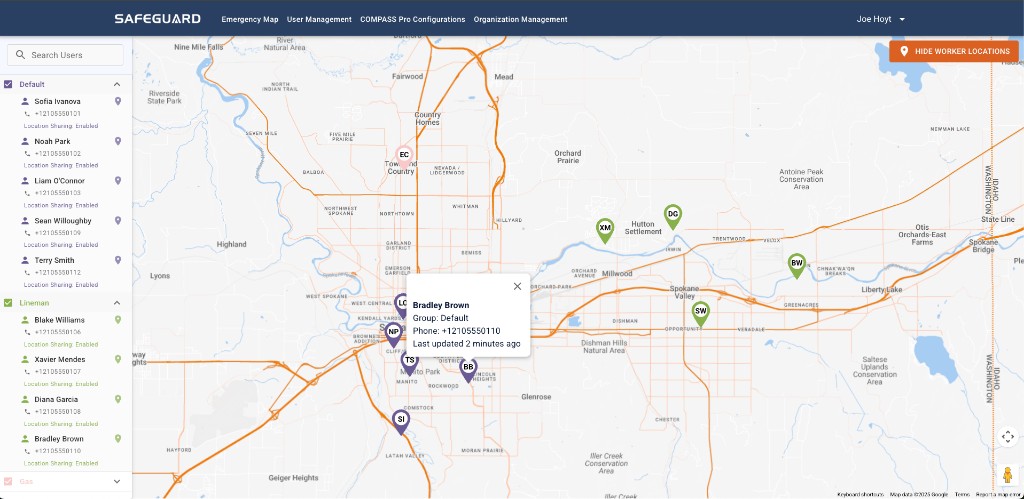
How to reach Console
Navigator Console is hosted at safeguardwebapp.com — sign in with the same account you use for Navigator Mobile.
Three account types
The Console User Guide defines three account types with distinct entitlements:
- Base — personal data and settings, plus emergency map and chat with a subscription.
- Dispatch — same as Base with subscription, plus the "Always Included In Emergencies" default that makes them part of every emergency event in the organization.
- Admin — adds user management, organization management, and Compass Pro device configuration.
Where to start by role
- Dispatch: Emergency Map, dashboards, live coordination workflows.
- Admin: user / group / organization configuration, plus Compass Pro Configurations.