Overview
The Emergency Map is where Console users coordinate active events. When an emergency event occurs, Console users are directed to the map and shown the event location.
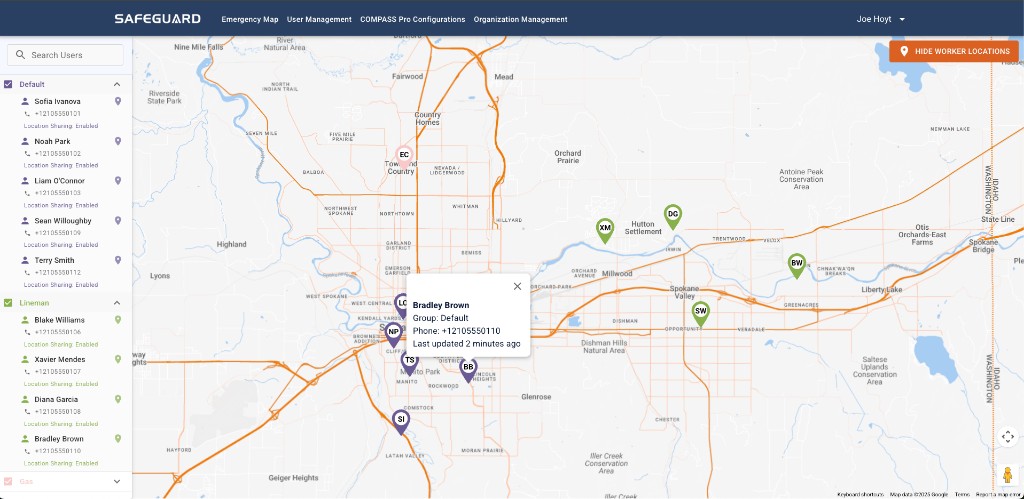
How an active event presents
- A RED marker is shown on the map at the event location.
- An audible alarm plays in the Console session.
- Clicking the RED marker opens the corresponding emergency chat dialog.
- The historical Emergency Event Log can be opened by clicking the "!" symbol.
Operational habits
- Select the correct active event when multiples exist.
- Note timestamps and connectivity hints alongside positions.
- Use filters and layers provided for your deployment to reduce clutter.
- Document decisions in the channels your organization requires (in-app chat plus external logs if mandated).