Overview
Navigator Console supports centralized coordination — especially when multiple crews, devices, and supervisors are involved. The event surface is the Emergency Map; the operational surface is the emergency chat dialog.
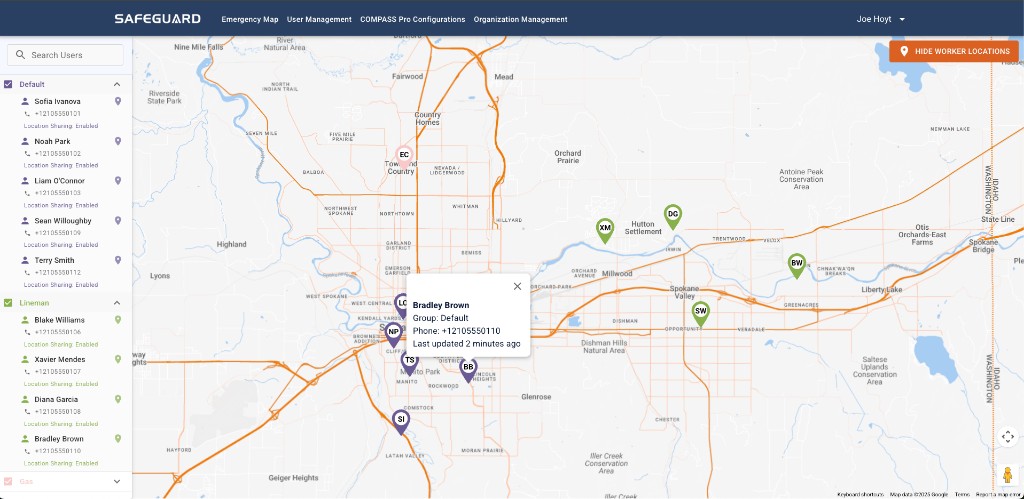
How an event presents in Console
- A RED marker is dropped on the Emergency Map at the event location.
- An audible alarm plays in the Console session.
- Clicking the marker opens the corresponding emergency chat.
- The historical Emergency Event Log can be opened from the "!" symbol.
Dispatch-oriented sequence
- Open the active event from the RED marker on the Emergency Map.
- In the chat dialog, read timestamps, initiator, and any location context carefully — map performance can vary with device capability and connectivity.
- Execute internal escalation (medical, utility operations, leadership) per runbook.
- Use in-console collaboration for the official narrative; record decisions for audits.
- Close in software when the field confirms resolution and documentation obligations are met — note the constraint below.