Skip to Help Center content

Emergency History and PDF Reports

The Emergency History page in Console: rows show date, incident type, initiator, and resolved status; click a row for the archived chat log; download a PDF from the row icon.

historypdfreportsaudit

Overview

The Emergency History page in Navigator Console shows a log of previous emergency events. Use it for debriefs, audits, and compliance evidence.
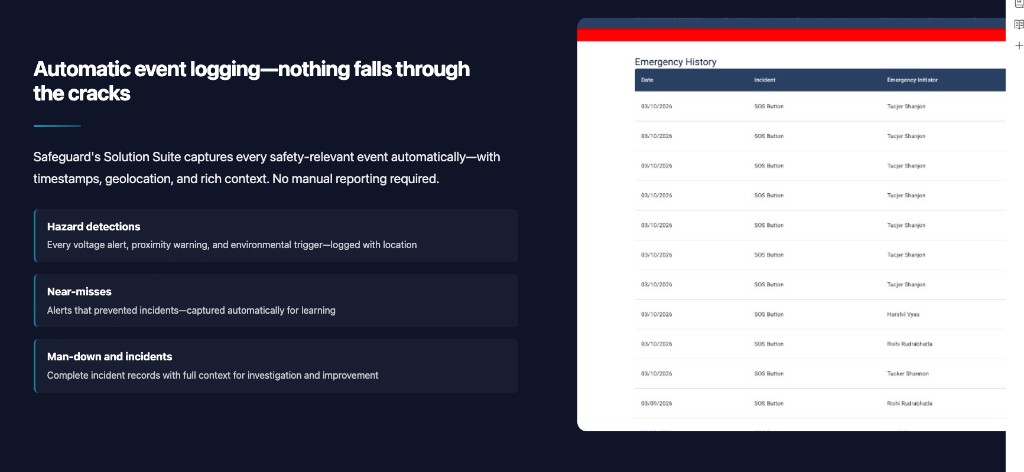
Navigator Console Emergency History page with date, incident type, initiator, resolved status, and PDF download icons
Placeholder — replace with a Console Emergency History screenshot highlighting row click and PDF download.

What the page shows

  • Date of the event
  • Incident type
  • Initiator
  • Whether the event has been marked as resolved

How to use it

  1. Open Emergency History in Navigator Console.
  2. Click a row to open the archived chat log — including the response team and any messages sent during the event.
  3. To export, click the download icon in the corresponding row to download a PDF copy of the event.
  4. Store any exports per your records policy.

Still need help?

Contact support or your Safeguard representative for account and rollout questions.