Overview
Compass Series is designed to be worn on the brim of a hard hat, directly in front of the user's face and within peripheral vision. Wrong mounting increases false alarms and creates a false sense of detection coverage. Use only an approved adapter for your helmet.
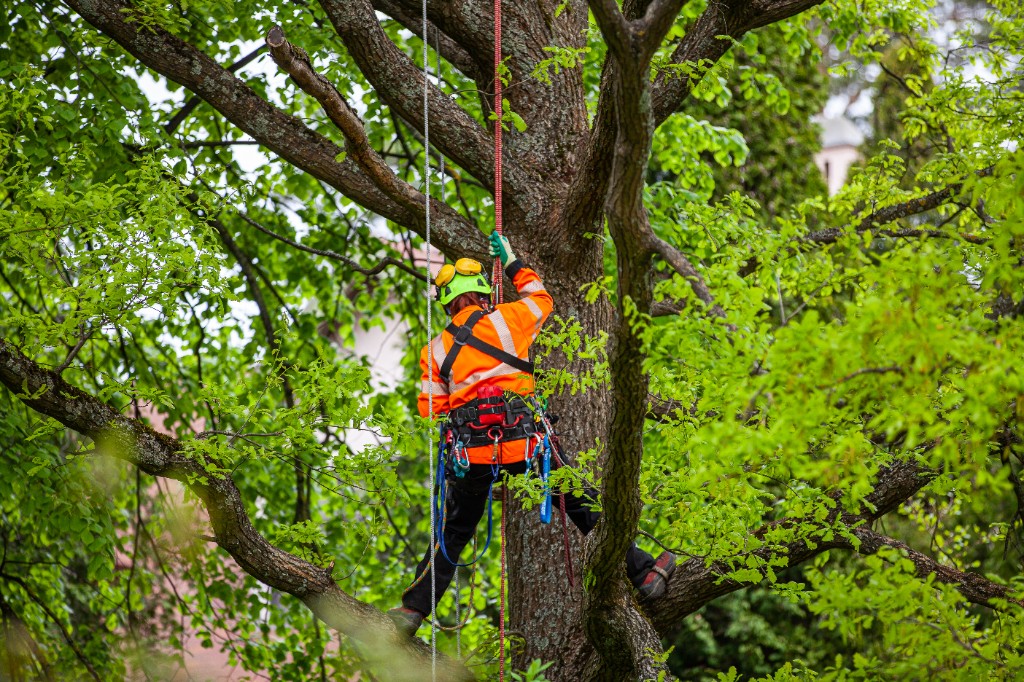
Hard hat (primary mount)
On a traditional hard hat with a brim, mount the device on the brim, centered and forward, so it sits in the user's peripheral vision. For helmets without a traditional brim, use one of the helmet adapters listed below.
Helmet and accessory adapters
- Non-Brimmed Helmet Adapter (Petzl Strato, 3M SecureFit X5000)
- Petzl Vertex Helmet Adapter
- IDRA 2 Helmet Adapter
- Adhesive Helmet Adapter
- SECRA-1 Red Helmet Adapter
- SECRA-1 Black Helmet Adapter
- Hot Stick Adapter
- Wrist Mount / Strap / Card
- Collapsible Handheld Adapter (handheld use)
Handheld and wrist-strap use
For low-voltage sources and for tracing wires inside walls (current detection), Compass can be operated as a handheld device using the Collapsible Handheld Adapter. Set the sensitivity to high and do not obstruct the front of the device, since this significantly reduces detection capability. The device can also operate on a wrist strap.
Mounting checklist
- Confirm the helmet is one the chosen adapter is rated for.
- Center the device on the hard-hat brim or adapter, oriented so the front face points the same way as the wearer.
- Secure mechanically so the device cannot snag, release unexpectedly, or interfere with rescue or egress.
- Keep the LED light bar in peripheral view, the SOS button reachable, and the USB port accessible for maintenance.
- After relocation, re-verify pairing, heartbeat, and a known-source detection check before relying on the device in live work.